The Unseen Impact: How Screen Protectors Alter Your iPhone's Display Visuals
The Unseen Impact: How Screen Protectors Alter Your iPhone's Display Visuals
For many iPhone users, a screen protector is as essential as the device itself. It's a pragmatic defense against scratches, scuffs, and impacts that can compromise the pristine display. Yet, this protective layer, designed to be almost invisible, can subtly but significantly alter the very visual experience it aims to preserve. While the physical protection is undeniable, few users consider the optical compromises introduced by adding an extra layer between their eyes and the iPhone's meticulously engineered display.
Editor's pick: iPhone screen protectors on Amazon → As an Amazon Associate, this site earns from qualifying purchases.
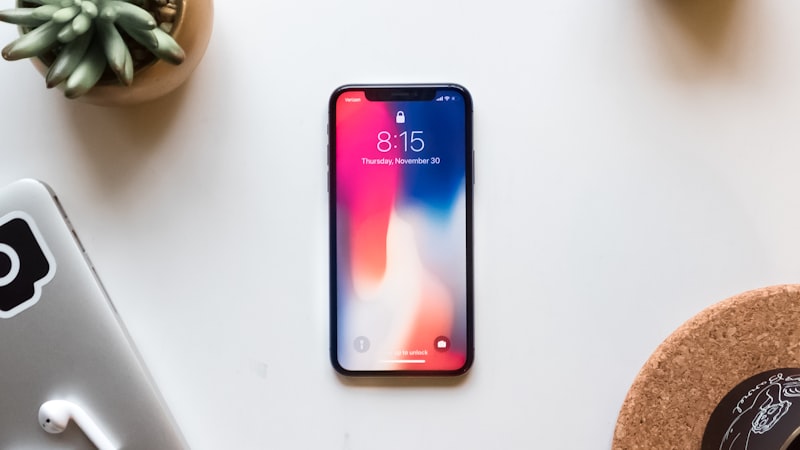
Understanding these subtle visual shifts is crucial for making an informed choice, especially for those who rely on their iPhone for tasks where color accuracy and visual fidelity are paramount. Let's delve into how various screen protectors can impact your iPhone's brightness, color reproduction, clarity, and overall viewing experience.
The Light Barrier: Brightness and Transmission
Every material, no matter how transparent, absorbs or reflects a small percentage of light. When you add a screen protector, you are effectively placing an additional light filter over your iPhone's display. High-quality tempered glass protectors might boast 99% light transmission, but that still means 1% of the display's luminance is lost. While this might seem negligible, the cumulative effect can be noticeable, especially in bright environments or when viewing HDR content.
Different materials and thicknesses exacerbate this effect. Thicker glass, certain plastic films, or multi-layered protectors designed for privacy or anti-blue light filtration can reduce light transmission further, sometimes by as much as 10-20%. This directly translates to a dimmer perceived display, forcing users to increase their iPhone's brightness settings, which can, in turn, impact battery life.
Color Fidelity: Subtle Shifts and Hues
Beyond brightness, screen protectors can introduce subtle color shifts. This often stems from impurities in the glass or plastic, specific coatings, or even the adhesive layer. While most premium protectors strive for optical neutrality, cheaper alternatives might impart a faint yellow, blue, or green tint to the display. This subtle cast can alter the white point and overall color temperature of the screen, making colors appear less accurate than intended.
For photographers, graphic designers, or anyone requiring precise color representation on their device, these shifts can be particularly problematic. An iPhone's display is factory-calibrated for optimal color accuracy, supporting wide color gamuts like P3. As we've explored in our analysis of display calibration at iPhone View, maintaining this fidelity is key, and an external layer can disrupt that carefully tuned balance.
Clarity and Contrast: Beyond the "Clear" Label
Even protectors marketed as
Expect a premium of roughly $200–300 over the standard model, plus a small weight penalty. Battery life is the bigger variable — early prototypes typically trade an hour or two of screen-on time for the new capability, then claw it back over a generation. Existing owners weigh screen protector display visuals against the upgrade they were already planning. If the feature is meaningful for daily use, it pulls forward upgrades by about a year; if it is novelty, it shifts nothing. Apple historically ships a quiet developer API the year before the hardware lands, so existing apps that follow human-interface guidelines should adapt with modest work. Apps that hard-code layouts will need updates. Hands-on time is the only honest test. A reviewer's first hour with the device tells them whether screen protector display visuals is solving a real problem they had, or a feature looking for a use case. The reviews following launch will be the verdict. It comes back to whether Apple can ship screen protector display visuals without compromising the parts of the iPhone people already pay for. The detail in this section is where that case is made or broken.Questions readers ask
What does screen protector display visuals actually cost — in price, weight, or battery?
How does screen protector display visuals change the upgrade calculus for existing owners?
Does screen protector display visuals require new developer APIs, or can existing apps adapt?
What would convince a sceptical reviewer that screen protector display visuals is worth it?
In short — what's the takeaway on clarity and contrast: beyond the "clear" label?