iPhone Display Color Management: Understanding and Optimizing Your Viewing Experience
Understanding iPhone Display Color Management
Modern iPhones boast displays capable of rendering a wide range of colors, exceeding the sRGB standard and venturing into the realm of DCI-P3. While impressive, this capability necessitates a robust color management system to ensure accurate and consistent color reproduction across different apps, media, and viewing conditions. This article delves into the intricacies of iPhone's color management, exploring its strengths, limitations, and how users can optimize their viewing experience.
Editor's pick: iPhone screen protectors on Amazon → As an Amazon Associate, this site earns from qualifying purchases.
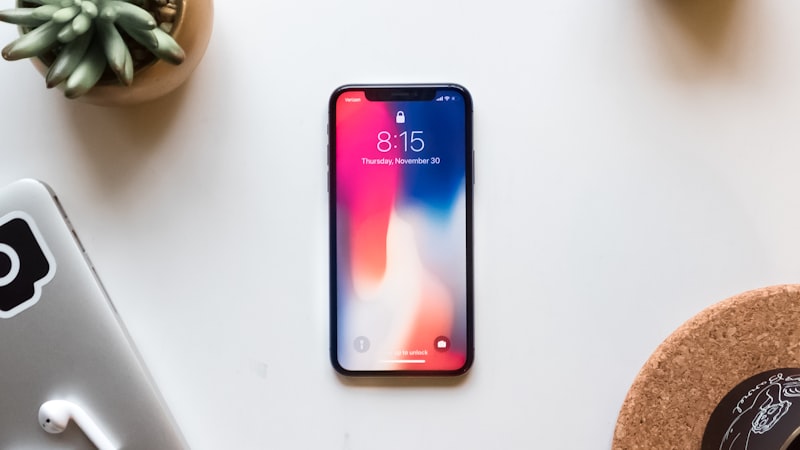
What is Color Management?
Color management is the process of controlling the translation of color values between different devices and color spaces. Without it, the colors you see in a photograph might appear differently on your iPhone screen compared to how they looked on your computer monitor or how they will appear when printed. iPhone's color management system strives to minimize these discrepancies by accounting for the characteristics of its display and the color profile embedded in the content being viewed.
iPhone's Color Profile Support
iPhones primarily support the sRGB and DCI-P3 color spaces. sRGB is the standard color space for the web and many older displays, while DCI-P3 is a wider color gamut commonly used in cinema and professional video editing. When viewing content tagged with a specific color profile, the iPhone will automatically adjust its display to accurately render the colors within that profile. This is particularly important for photographers and videographers who rely on accurate color representation for their work. However, it's worth noting that older content lacking a color profile will generally be displayed using the sRGB color space.
Automatic Color Adaptation
Beyond color profile support, iPhones also employ automatic color adaptation technologies like True Tone. True Tone uses ambient light sensors to adjust the display's white balance to match the surrounding environment. This can improve viewing comfort, especially in environments with warm or cool lighting. While True Tone primarily affects white balance, it indirectly influences color perception, making colors appear more natural under different lighting conditions. Users can disable True Tone in Settings > Display & Brightness if they prefer a consistent display appearance regardless of ambient light.
Limitations and Considerations
While iPhone's color management system is generally effective, certain limitations exist. First, the accuracy of color reproduction depends on the quality of the display itself. Differences in manufacturing can lead to slight variations in color accuracy between individual iPhones. Second, the perceived accuracy of colors can be subjective and influenced by individual preferences. Some users may prefer a more vibrant or saturated display, even if it's not entirely color-accurate. Finally, third-party apps may not always fully support iPhone's color management system, leading to inconsistencies in color reproduction.
Optimizing Your Viewing Experience
While professional-grade display calibration isn't typically necessary for most iPhone users, there are several steps you can take to optimize your viewing experience:
- Enable True Tone: For general use, True Tone can improve viewing comfort and make colors appear more natural.
- Understand Display Calibration: As we explored in our analysis of display technology at iPhone View, while factory calibration is typically good, users who are highly sensitive to color accuracy may want to use a colorimeter.
- Use High-Quality Content: When possible, view content that is tagged with a color profile, such as sRGB or DCI-P3.
- Adjust Display Settings: Experiment with display settings like brightness and color filters to find what works best for your individual preferences.
Conclusion
iPhone's color management system is a sophisticated technology that strives to deliver accurate and consistent color reproduction. By understanding how this system works and taking steps to optimize your viewing experience, you can fully appreciate the capabilities of your iPhone's display and enjoy content as it was intended to be seen. While perfect color accuracy remains a challenge, iPhone's ongoing advancements in display technology and color management continue to improve the viewing experience for all users.