iPhone Display Burn-In: Understanding Risks and Mitigation
iPhone OLED Burn-In: Understanding the Risks
OLED (Organic Light Emitting Diode) displays have become ubiquitous in modern iPhones, offering superior contrast, vibrant colors, and excellent viewing angles compared to their LCD predecessors. However, OLED technology has a known vulnerability: the potential for burn-in, also known as image retention. While Apple employs various strategies to mitigate this issue, understanding the risks and implementing preventative measures can significantly extend the lifespan and visual quality of your iPhone's display.
Editor's pick: iPhone screen protectors on Amazon → As an Amazon Associate, this site earns from qualifying purchases.
What is Burn-In?
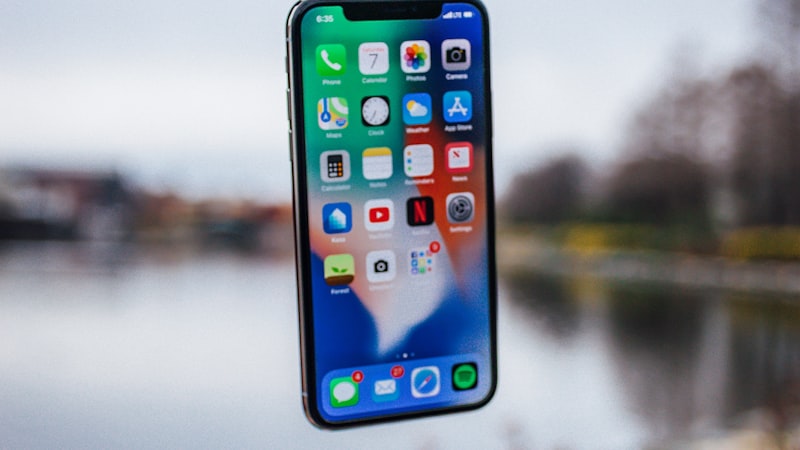
Burn-in occurs when static elements displayed on the screen for extended periods cause uneven wear in the OLED pixels. This wear results in a ghost image of the static content remaining visible, even when the content is no longer displayed. Common culprits include status bars, navigation buttons, keyboard outlines, and frequently used app interfaces. The severity of burn-in depends on factors such as display brightness, the duration the static content is displayed, and the overall usage patterns.
Apple's Burn-In Mitigation Strategies
Apple implements several techniques to minimize the risk of burn-in on iPhones with OLED displays. These include:
- Pixel Shifting: The operating system subtly shifts the pixels on the screen periodically. This prevents any single pixel from being constantly illuminated, thus distributing the wear more evenly across the display.
- Subtle Brightness Adjustments: The iPhone automatically adjusts the brightness of different areas of the screen to prevent static elements from becoming overly bright and causing localized wear.
- Optimized Software Design: Apple designs its operating system and apps with consideration for OLED displays. For example, the status bar and navigation bar are often partially translucent or dynamically adjusted to minimize static content.
Practical Tips to Minimize Burn-In Risks
While Apple's mitigation strategies are effective, users can further reduce the risk of burn-in by adopting the following practices:
- Reduce Screen Brightness: Lowering the overall screen brightness reduces the stress on the OLED pixels. Use auto-brightness to allow the iPhone to dynamically adjust brightness based on ambient lighting conditions.
- Minimize Static Content Display: Avoid displaying static images or interfaces for prolonged periods. If using an app with a static layout, consider switching to a different app or turning off the screen periodically.
- Use Dark Mode: Dark mode reduces the overall brightness of the display and minimizes the number of brightly lit pixels, thus reducing the risk of burn-in.
- Avoid Maximum Brightness for Extended Periods: Refrain from using the maximum brightness setting for extended durations, especially when viewing static content.
- Update Software Regularly: Keep your iPhone's operating system updated. Apple often releases software updates that include further optimizations and burn-in mitigation strategies.
Is Burn-In Covered Under Warranty?
Apple's standard warranty typically does not cover burn-in caused by normal usage. However, if the burn-in is deemed to be a manufacturing defect, it may be covered under warranty or AppleCare+. It's essential to consult Apple's warranty terms and conditions for specific details.
Conclusion
OLED displays offer a superior viewing experience, but they are susceptible to burn-in. By understanding the risks and implementing the preventative measures discussed above, you can significantly minimize the likelihood of burn-in and extend the lifespan of your iPhone's display. While Apple's built-in mitigation strategies are effective, proactive user behavior plays a crucial role in preserving the visual quality of your device. As we explored in our analysis of display technology at iPhone View (https://iphoneview.com), understanding the nuances of different display technologies is key to maximizing their lifespan and performance.
Questions readers ask
Does iOS need rearchitecting to make display burn risks mitigation work properly?
Apple would need a window manager or surface-handling layer in iOS to do this well. The plumbing already exists on iPadOS in a limited form, so the engineering question is less invention and more refinement.
Where is Apple's supply chain on display burn risks mitigation right now?
Reports out of Asia consistently cite a handful of suppliers competing on the relevant component, with Apple splitting orders rather than single-sourcing. That hedging pattern tends to mean a real product is being prepared, not just an R&D exploration.
Is display burn risks mitigation realistic for the next iPhone, or further out?
Most signals point to a later cycle rather than imminent release. Component lead times for display burn risks mitigation suggest Apple is still validating the supply side, and the company tends to wait until yields hit production targets before committing on stage.
What's the biggest tradeoff Apple has to swallow for display burn risks mitigation?
Every Apple decision is a tradeoff, and the obvious one here is internal volume. Adding display burn risks mitigation costs millimetres somewhere — usually battery capacity or camera module depth — and Apple has to decide which line item to trim.
In short — what's the takeaway on conclusion?
It comes back to whether Apple can ship display burn risks mitigation without compromising the parts of the iPhone people already pay for. The detail in this section is where that case is made or broken.